

Smart Home Control Just Got Simpler
Lutron has announced a significant update to its Caseta smart lighting system that removes one major friction point from everyday home automation. The company has integrated voice control capabilities directly into its partnership with Sonos, allowing homeowners to command their lights, window shades, and speakers using voice alone. This development addresses a gap that existed for years: despite these two systems working together since 2018, voice commands were conspicuously absent from their integration until now.
The update means you can now say a simple voice command through any Sonos speaker with a built-in microphone, and your entire Caseta ecosystem responds. No hunting for your phone, unlocking it, finding the right app, and tapping multiple buttons. No fumbling with physical remotes or switches. A single verbal instruction handles everything at once.
What This Update Actually Delivers

The practical benefits extend beyond basic one-off commands. Lutron’s system now lets you create combined presets that adjust your lighting, window coverings, and music simultaneously. Imagine walking into your living room and saying a single phrase that dims the overhead lights, opens the shades to a specific angle, and starts your favorite playlist at the right volume. You can also set up automation routines that trigger based on your location, using the Lutron app to establish actions that occur when you arrive home or leave for the day.
Setting up voice control is straightforward. You link all your devices in the Lutron app, navigate to the Integrations menu, and enable the Sonos Voice Control option. From that point forward, any Sonos speaker with a microphone in your home becomes a command hub for your entire Caseta setup.
Important Limitations to Know
The voice functionality does come with one significant constraint: it only works through Sonos speakers that have a built-in microphone. If you own older Sonos models without this feature, you cannot use voice commands with them, though you can still control everything through the mobile app or the physical switches and dimmers. Every device in the Caseta lineup, including switches, dimmers, and smart plugs, supports voice control once you have a compatible speaker set up.
This limitation matters if you have an established Sonos setup without microphones scattered throughout your home. You may need to upgrade certain speakers to unlock the voice control benefit, which represents an additional investment beyond the Caseta hardware itself.
Pricing and Starter Options
For those building a smart home setup from scratch, Lutron’s entry prices remain competitive and accessible. The basic Smart Switch Kit starts at $94.95, while both the Smart Dimmer and Lamp Dimming Plug kits are priced at $99.95. The paddle-style Diva Dimmer Kit tops out at $119.95. Importantly, all of these starter bundles include the Smart Hub, which is essential for enabling voice control and managing your entire system.
The Smart Hub uses a proprietary radio signal rather than Wi-Fi to communicate with your switches and dimming devices. This approach offers several advantages: it reduces network congestion, improves reliability, and simplifies setup because you are not competing with dozens of other Wi-Fi devices for bandwidth. The hub essentially acts as a translator between your voice commands and your physical hardware.
What This Means for Your Smart Home Strategy
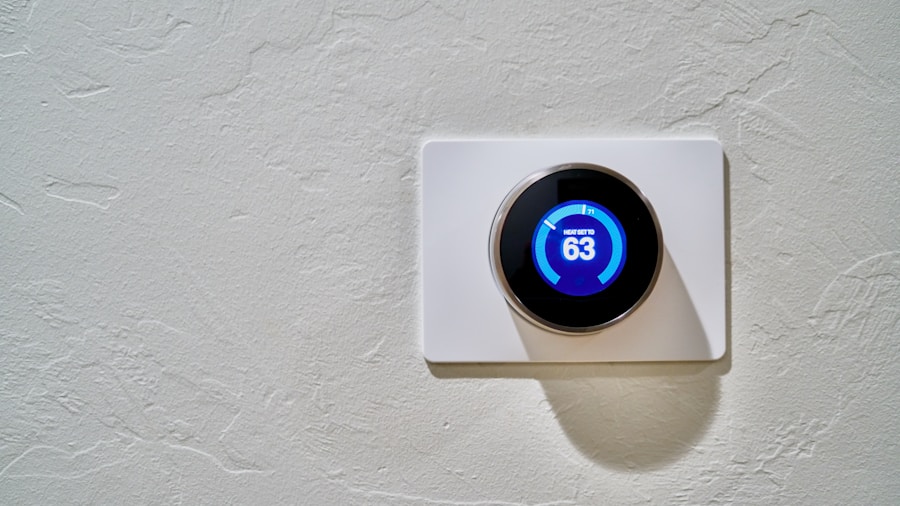
The addition of voice control to the Caseta and Sonos partnership removes a genuine usability barrier that frustrated many homeowners. While Google Home and other voice assistants have existed for years, having your lighting and shade systems respond to voice through speakers you already own creates a seamless experience. You do not need to own multiple voice assistant ecosystems or worry about compatibility conflicts.
This update also highlights a broader trend in smart home technology: successful automation works best when separate systems talk to each other intelligently. Smart locks, lighting systems, and security devices that integrate smoothly create a genuinely useful home, whereas isolated gadgets often feel more like novelties than practical upgrades.
If you have been hesitant about adopting smart home technology because you felt overwhelmed by app clutter and remote controls, this integration provides a more natural entry point. Voice commands feel like an extension of how you already interact with your home, making the technology feel less intrusive and more intuitive.
The Bottom Line
Lutron’s voice control integration solves a real problem in a way that respects the existing investments many homeowners have already made. You do not need to start from scratch or replace functioning equipment. If you own Sonos speakers and are considering Caseta for your lighting needs, this update makes the combination genuinely more appealing. For shoppers evaluating their smart home options, the ability to control multiple systems through a single voice command is now a realistic feature rather than a distant promise.











Write Your Review
No reviews yet. Be the first to share your experience!